Can Dynamics 365 be used for healthcare practice management? Yes — Dynamics 365 supports patient relationship management, case management, referral coordination, and care team communication through its Customer Service, Sales, and Field Service applications, backed by a Microsoft Business Associate Agreement. It is not a replacement for your EHR or EMR; it manages the operational and relationship side of healthcare, while clinical documentation stays in your existing clinical system, connected through FHIR-based integration.
A lot of healthcare CRM content oversells what these platforms actually do — implying you're buying a single system that replaces everything. That's not how Dynamics 365 fits into a healthcare organization, and it's worth being direct about that up front, because understanding the actual boundary between "CRM layer" and "clinical system of record" is what determines whether this platform solves your problem or adds an expensive layer of complexity you didn't need.
What Dynamics 365 Actually Does in a Healthcare Setting
Dynamics 365 handles the operational and relationship management side of healthcare — the work that happens around clinical care, not the clinical documentation itself. Concretely, that includes patient inquiries and case management through Customer Service, referral and provider relationship management through Sales, home health or medical device servicing coordination through Field Service, and custom healthcare workflows built on the Power Platform. A unified Dynamics 365 interface can display patient demographics, care team details, and clinical timeline context pulled through FHIR-linked data — with security-role separation ensuring clinical and administrative staff see only what their role requires.
The interoperability piece matters more than it might initially seem. Through the FHIRlink connector and virtual health data tables, Dynamics 365 workflows can connect directly to FHIR endpoints — including Epic and Azure Health Data Services — without copying or duplicating the underlying clinical data into a second system. That distinction is exactly what keeps Dynamics 365 in its proper lane: it references and coordinates around clinical data, rather than becoming a second, unsynchronized copy of your medical records.
The Compliance Reality (Not the Marketing Version)
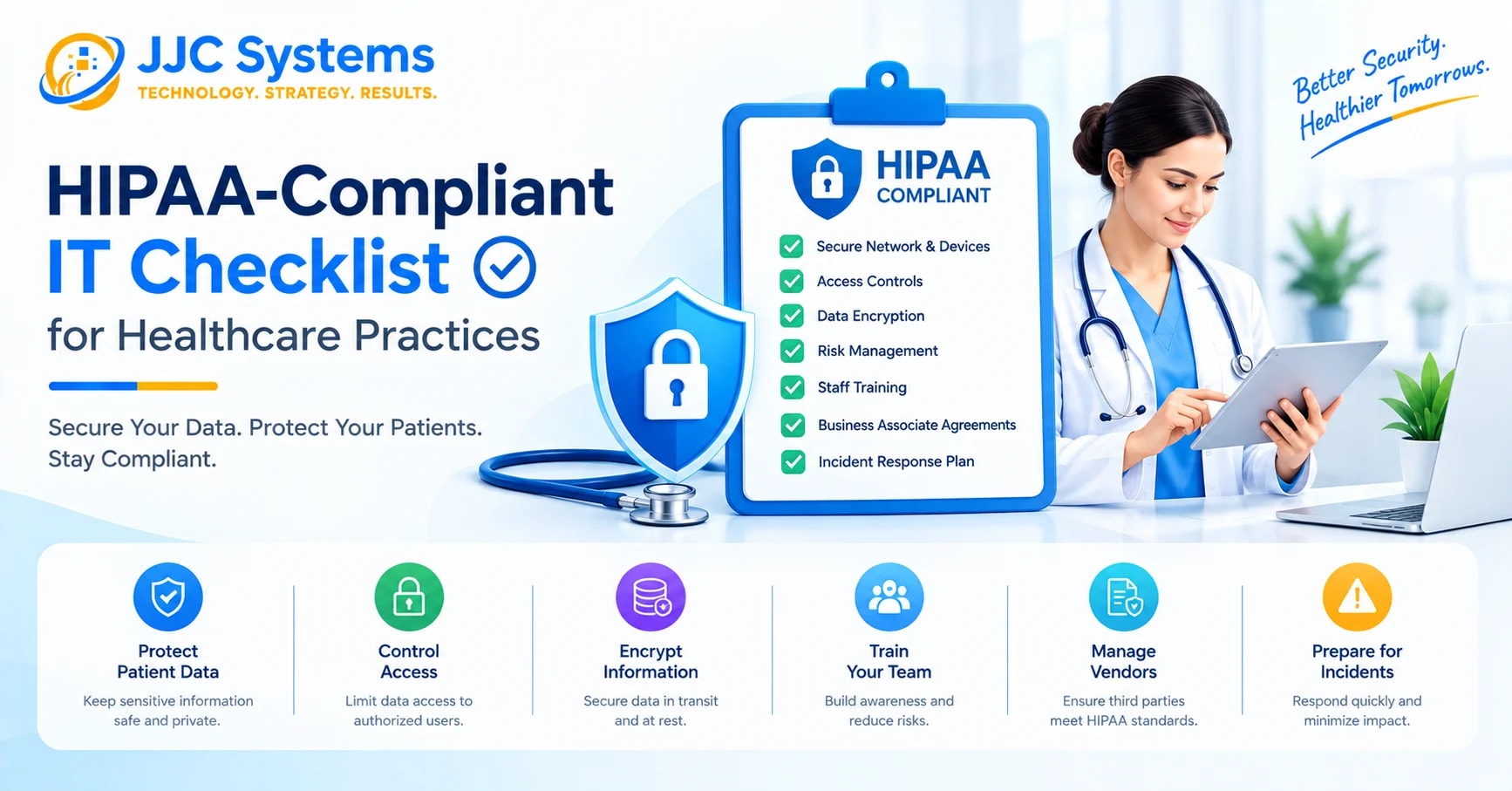
Here's something worth knowing before any vendor conversation: no CRM platform is technically "HIPAA certified," because no such government certification exists in the first place. What exists instead is a shared responsibility model — a vendor can provide the technical safeguards and a signed Business Associate Agreement, but your organization owns the configuration, access policies, and operational discipline that determine whether your specific deployment is actually compliant in practice.
For Dynamics 365 specifically, the BAA is included automatically in the Online Services Data Protection Addendum across all commercial Dynamics 365, Microsoft 365, Azure, and Power Platform plans — available for download through the Microsoft Service Trust Portal, with no separate negotiation required. The platform supports the administrative, physical, and technical safeguards required under the HHS HIPAA Security Rule, including encryption, role-based access controls, and audit logging. Through native integration with Microsoft Entra ID, Dynamics 365 also enables Conditional Access, multi-factor authentication, and Privileged Identity Management — meaningful controls for limiting exposure if a single account is compromised, which matters enormously given how much sensitive patient data a healthcare CRM touches.
Worth flagging as a genuinely recent development: Dynamics 365 Contact Center specifically became HIPAA compliant as of March 5, 2025, extending secure AI-driven voice agents and digital messaging capabilities — patient scheduling, information management — to organizations using that module. If you evaluated Dynamics 365 for healthcare use before that date and were told Contact Center wasn't a compliant option, that assessment is now out of date.
The Regulation Most Healthcare CRM Content Skips: TCPA
HIPAA gets nearly all the attention in healthcare CRM discussions, but it isn't the only compliance risk if your organization runs patient outreach at any scale. Expanding outbound patient communication — appointment reminders, automated SMS campaigns — introduces TCPA (Telephone Consumer Protection Act) obligations alongside HIPAA. TCPA violations carry statutory damages of $500 per violation, with up to treble damages for willful violations, under a private right of action that doesn't require regulatory enforcement to trigger — meaning a single poorly-configured automated outreach campaign carries real, immediate financial exposure, not just a theoretical compliance gap.
Where Dynamics 365 Fits Well, and Where It's Overkill
This is the part most vendor-adjacent content won't tell you directly: Dynamics 365 is genuinely well-suited to healthcare organizations already running on Microsoft 365, with case management complexity, multi-provider referral coordination, or care transitions spanning multiple departments or facilities. For organizations in that position, the native integration with Azure, Teams, Power BI, and Outlook creates a cohesive operational ecosystem, and consolidating healthcare CRM, productivity tools, and compliance infrastructure under a single BAA meaningfully simplifies your compliance story compared to managing separate vendor agreements for each system.
It's a weaker fit — genuinely, not just as a hedge — for a small practice that primarily needs patient outreach, appointment reminders, and basic engagement. That use case is usually better served by a lighter, purpose-built patient engagement platform. Paying for enterprise-grade data models and an implementation you don't have the staff to fully use is a real risk with Dynamics 365 in a healthcare context, and it's worth being honest about that rather than positioning it as the right fit for every healthcare organization regardless of size.
A Realistic Scenario: Multi-Location Practice Coordination
Consider a multi-location specialty practice group managing referrals from a dozen primary care partners, patient case follow-up across multiple providers, and home-visit scheduling for a subset of patients. Before consolidating onto a coordinated CRM layer, this kind of organization typically manages referral tracking through spreadsheets or disconnected inboxes, loses visibility into a patient's case status once they move between providers, and has no unified view of which referral sources are actually converting into scheduled care. Dynamics 365's Sales application can track referral relationships and conversion by source; Customer Service can maintain a unified case record as a patient moves between providers; Field Service can coordinate home-visit scheduling and device servicing where applicable — all under the same security model and the same BAA, rather than three disconnected systems each requiring its own compliance review.
Pricing Snapshot
For budgeting purposes, Dynamics 365 Customer Service — the module most directly relevant to patient case management — is licensed at Professional ($50/user/month), Enterprise ($105/user/month), and Premium ($195/user/month) tiers, with HIPAA-relevant compliance features and Contact Center capability tied to the higher tiers. Licensing is separate from implementation cost, and since Dynamics 365 is often assumed to be an enterprise-only investment, it's worth confirming whether Dynamics 365 is actually worth it for a practice your size before assuming the platform is out of reach.
Frequently Asked Questions
Can Dynamics 365 be used for healthcare practice management? Yes. Dynamics 365 supports patient relationship management, case management, referral coordination, and care team communication through its Customer Service, Sales, and Field Service applications, backed by a Microsoft Business Associate Agreement. It is not a replacement for your EHR — it manages the operational and relationship layer alongside your existing clinical system.
Is Dynamics 365 HIPAA certified? No CRM platform is technically "HIPAA certified," because no such government certification exists. Dynamics 365 supports HIPAA compliance through a Microsoft-provided Business Associate Agreement and technical safeguards (encryption, role-based access, audit logging), but your organization is responsible for configuring and operating it compliantly.
Does Dynamics 365 replace our EHR/EMR system? No. An EHR is designed for clinical documentation, order management, and care delivery. Dynamics 365 is designed for patient relationship management, outreach coordination, and care coordination across transitions. The two systems complement each other, with data flowing bidirectionally through FHIR-based integrations rather than one replacing the other.
When did Dynamics 365 Contact Center become HIPAA compliant? March 5, 2025. This extended secure AI-driven voice agents and digital messaging — used for patient scheduling and information management — to organizations using the Contact Center module specifically.
Is Dynamics 365 a good fit for a small medical practice? Not always. Dynamics 365 tends to fit larger practices or health systems with case management complexity, multi-provider referral coordination, or an existing Microsoft 365 investment. Small practices needing primarily outreach and appointment reminders are often better served by a lighter, purpose-built patient engagement platform.
What other regulations should we consider besides HIPAA for patient outreach? TCPA (Telephone Consumer Protection Act) applies to automated patient communication like SMS reminders and outbound calling campaigns, with statutory damages of $500 per violation and up to treble damages for willful violations. This is a real, separate compliance risk from HIPAA, worth planning for explicitly if your outreach involves automated messaging at scale.
How does Dynamics 365 connect to our existing EHR? Through FHIR-based interoperability — specifically the FHIRlink connector and virtual health data tables, which let Dynamics 365 workflows connect directly to FHIR endpoints, including Epic and Azure Health Data Services, without duplicating the underlying clinical data into a second system.
What security controls does Dynamics 365 offer for protecting patient data? Through native Microsoft Entra ID integration, Dynamics 365 supports Conditional Access, multi-factor authentication, and Privileged Identity Management, alongside encryption, role-based access controls, and audit logging required under the HHS HIPAA Security Rule's technical safeguards.
How much does Dynamics 365 Customer Service cost for a healthcare organization? Dynamics 365 Customer Service is licensed at Professional ($50/user/month), Enterprise ($105/user/month), and Premium ($195/user/month) tiers. Implementation cost — including healthcare-specific compliance configuration — is a separate line item beyond licensing.
Considering Dynamics 365 for Your Healthcare Organization?
The right fit depends on your practice's size, referral complexity, and existing Microsoft 365 investment — not a one-size-fits-all recommendation. Schedule a consultation with a JJC Systems specialist to talk through whether Dynamics 365 fits your organization's actual workflow, see whether Dynamics 365 is worth it for a practice your size, learn more about what Dynamics 365 actually is if you're still early in evaluating it, or contact our team with questions specific to your compliance requirements.