Quick answer: Most small and mid-sized businesses budget $100–$250 per user, per month for fully managed IT services in 2026, or roughly $1,200–$3,000 per user annually. Your actual number depends on headcount, device count, industry compliance requirements, and how much of your infrastructure is already in the cloud. A short IT assessment is the only way to get a number specific to your business.

If you're budgeting for the first time — or trying to figure out whether your current bill is fair — this guide breaks down exactly what drives managed IT services pricing, the different ways providers charge for it, and how to avoid the hidden costs that catch most businesses off guard. If you're still asking what's included in a managed IT contract in the first place, start with our guide, What Is Managed IT Services? A Complete Guide for Growing Businesses.
What Determines Your Managed IT Cost
No two managed IT quotes look alike, because pricing is built from several moving parts:
Number of users and devices. Most providers price per user or per device, so headcount and how many laptops, desktops, and mobile devices you support directly move the number.
Complexity of your environment. A business running a mix of on-prem servers, legacy applications, and multiple cloud platforms costs more to support than one running a clean, modern Microsoft 365 or Azure setup.
Compliance requirements. Healthcare (HIPAA), financial services, and other regulated industries require additional monitoring, documentation, and security controls that raise the baseline cost.
Coverage hours. Standard business-hours support costs less than 24/7 monitoring and after-hours response — a real consideration if you run multiple shifts or serve customers outside 9-to-5.
Scope of services included. Some quotes cover help desk and monitoring only; others bundle in cybersecurity, backup and disaster recovery, vCIO strategy, and vendor management. The narrower the scope, the lower the sticker price — and the more you'll pay separately for what's missing.
Common Managed IT Pricing Models
Providers generally price their services one of a few ways, and the model matters almost as much as the rate itself.
Per-user pricing. You pay a flat monthly rate for each employee, regardless of how many devices they use. This is the most predictable model and the easiest to budget against as you grow, since it scales cleanly with headcount rather than with a device count that can creep up unnoticed.
Per-device pricing. You pay per endpoint — laptop, desktop, server, or mobile device. This can look cheaper at first glance for a lean team, but costs rise quickly once you factor in every server, printer, and personal device touching company data.
Tiered pricing. Providers offer bundled packages (e.g., "Essentials," "Business," "Enterprise") at set price points, with each tier adding more coverage — from basic help desk up through full cybersecurity and strategic consulting. Tiers are easy to compare on paper but can push you into paying for services you don't need to get the one feature you do.
Flat-fee / all-inclusive pricing. A single flat rate covers your entire environment regardless of user or device count. This works well for stable organizations but can be a poor fit if you're scaling quickly, since your provider may need to renegotiate as your environment grows.
There's no universally "best" model — the right one depends on whether your business is growing, how many devices your team actually uses, and how much budget predictability matters to you.
Typical Managed IT Costs by Company Size
While every environment is different, industry pricing generally falls into these ranges:
1–20 employees: $150–$250 per user/month — smaller teams see higher per-user costs because there's less to spread fixed overhead (like a dedicated account manager) across.
20–100 employees: $100–$200 per user/month — this is the sweet spot where most MSPs offer their most competitive per-user rates.
100–200+ employees: $75–$150 per user/month, often with custom enterprise pricing — larger environments benefit from economies of scale, but may also need dedicated on-site resources that add back to the total.
These ranges assume a standard managed IT package covering help desk, monitoring, patch management, and basic security. Add-ons like advanced cybersecurity, compliance support, or 24/7 monitoring will push the number higher.
What's Usually Included — and What Costs Extra
A typical managed IT services agreement includes:
- Unlimited help desk and remote support
- Proactive monitoring and patch management
- Network and server management
- Basic antivirus/endpoint protection
- Regular reporting and strategic check-ins
Services that are frequently priced separately, even when bundled marketing suggests otherwise:
- Advanced cybersecurity (EDR, SIEM, 24/7 SOC monitoring)
- Backup and disaster recovery
- Cloud migration or project-based work
- Compliance support (HIPAA, PCI-DSS, etc.)
- On-site support beyond a set number of hours per month
Hidden Costs to Watch For
The quote on the page is rarely the number you actually pay. Before signing, ask providers directly about:
Onboarding and setup fees — a one-time cost to migrate and document your environment, sometimes running into the thousands.
After-hours and emergency support rates — some contracts bill emergency response separately, at a premium.
Contract minimums and term length — longer contracts sometimes come with lower rates but less flexibility if your headcount shrinks.
Overage charges — per-user or per-device contracts can include penalties for exceeding your contracted count mid-term.
Hardware and software licensing — confirm whether Microsoft 365 licenses, antivirus, or backup software costs are included or billed separately.
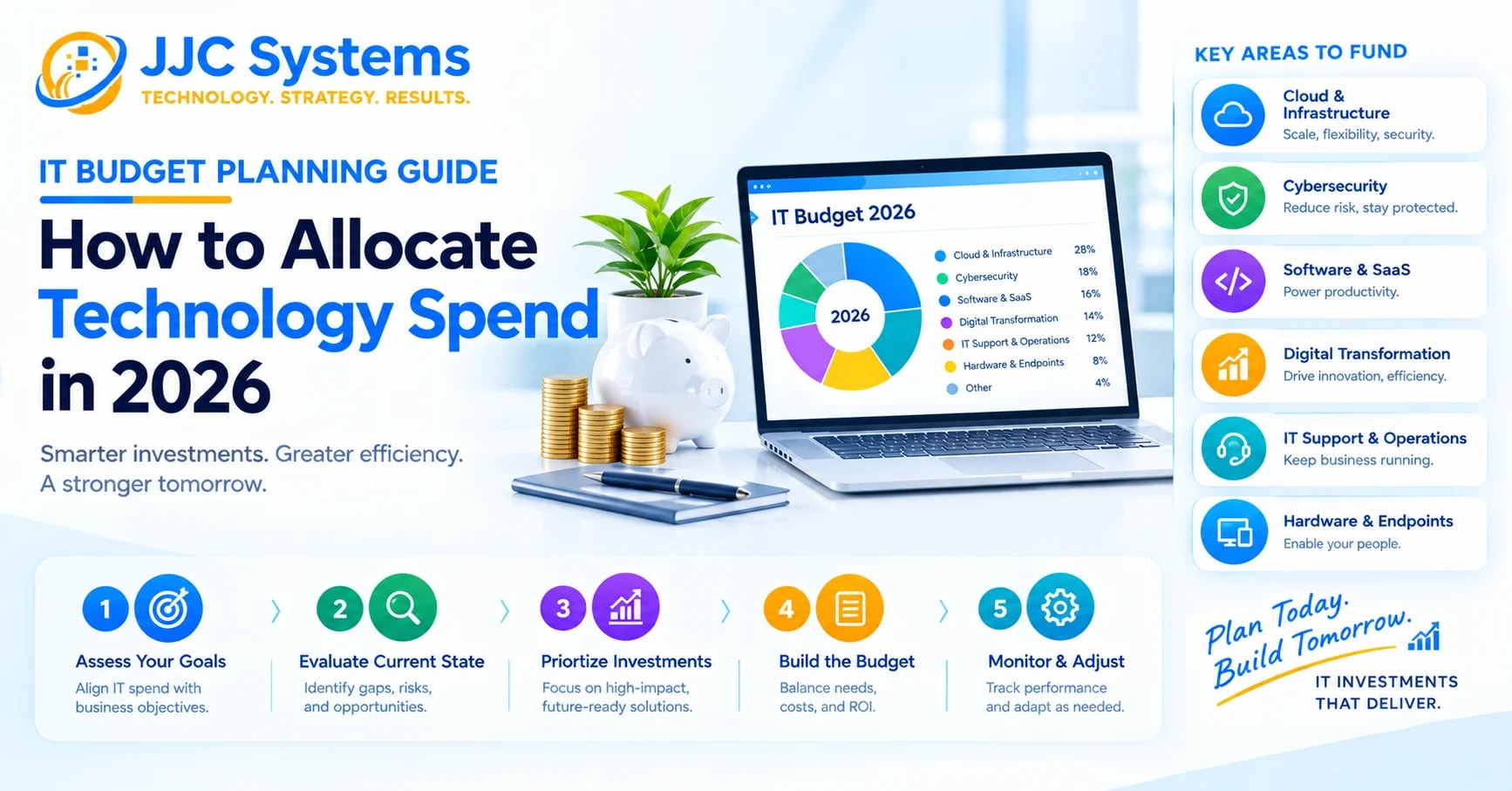
How to Budget for Managed IT in 2026
- Start with a real assessment, not an industry average. Your device count, current security posture, and compliance obligations all shape the real number.
- Get itemized quotes, not just a monthly total, so you can see exactly what's bundled and what isn't.
- Budget for growth. If you're planning to hire, factor per-user pricing into your headcount forecast rather than budgeting a static number.
- Compare total cost of ownership, not just the monthly rate — a lower quote with high onboarding fees and thin coverage can cost more over a year than a slightly higher, all-inclusive plan.
Frequently Asked Questions
How much should I budget for managed IT services in 2026? Most SMBs should budget $100–$250 per user, per month for fully managed IT, or $1,200–$3,000 per user annually. The exact figure depends on your headcount, device count, industry compliance needs, and how much of your environment is cloud-based.
Is managed IT cheaper than hiring in-house? For most businesses under 100 employees, yes — a single in-house IT hire costs more in salary and benefits than a managed IT contract, without matching the bench of specialized expertise an MSP provides. See our full MSP vs In-House IT Team: Which Is Right for Your Business? breakdown for a side-by-side comparison.
Do managed IT contracts include cybersecurity? Basic endpoint protection is usually included, but advanced cybersecurity — EDR, SIEM, 24/7 monitoring, compliance support — is often priced as an add-on. Always confirm what's bundled before comparing quotes.
Can I negotiate managed IT pricing? Yes. Contract length, payment terms, and bundled services are usually negotiable, especially for multi-year commitments or if you're consolidating from multiple vendors to one.
Get an Accurate Number for Your Business
Industry ranges are a useful starting point, but the only way to know what managed IT will actually cost your business is a proper assessment of your environment. Book a free IT assessment with JJC Systems and get a straightforward, itemized quote — no guesswork required. You can also view all IT services we offer, or talk to a JJC Systems specialist directly with your questions.